Free tool
See Your Ad on Egypt’s Billboards
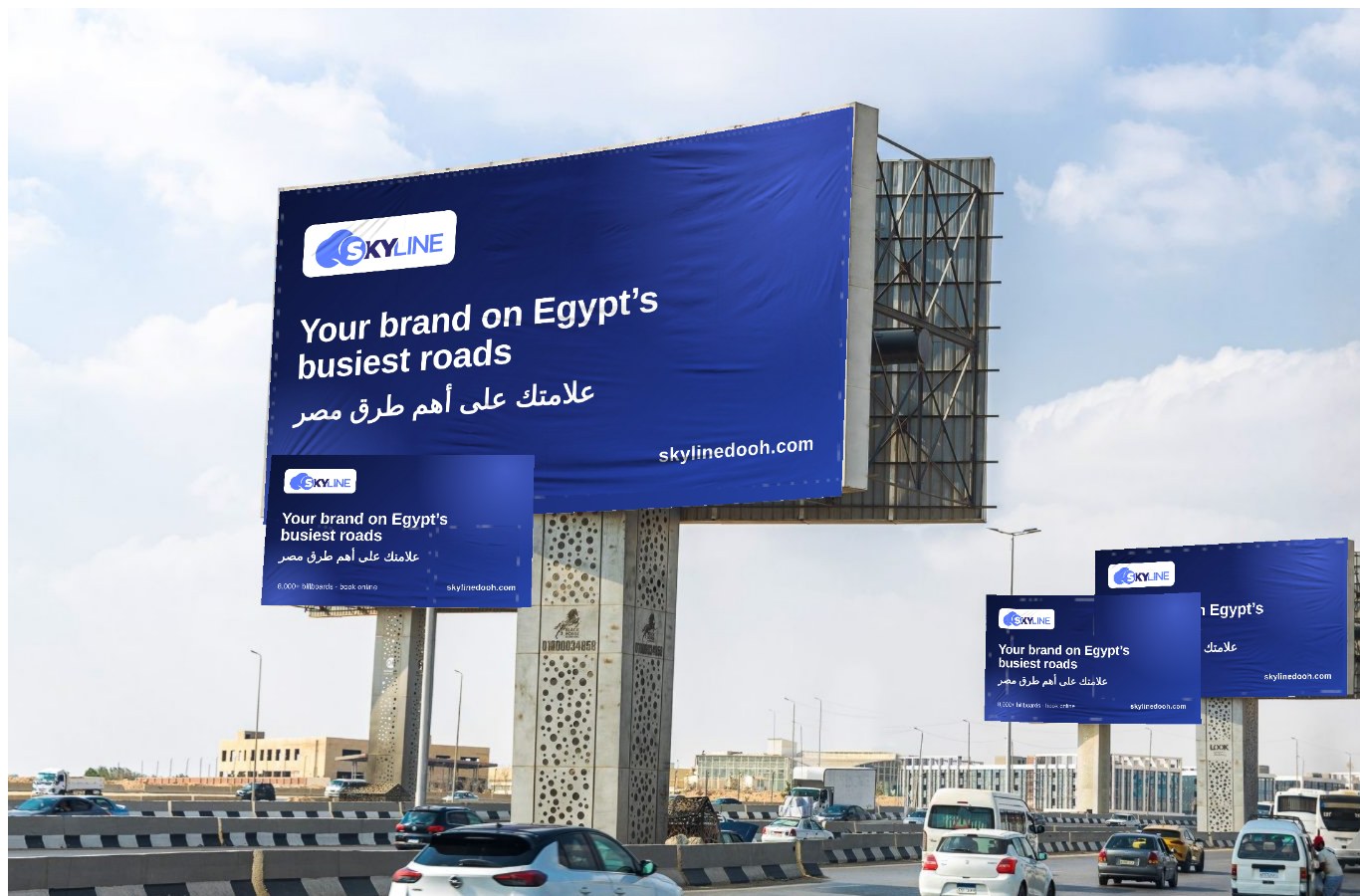
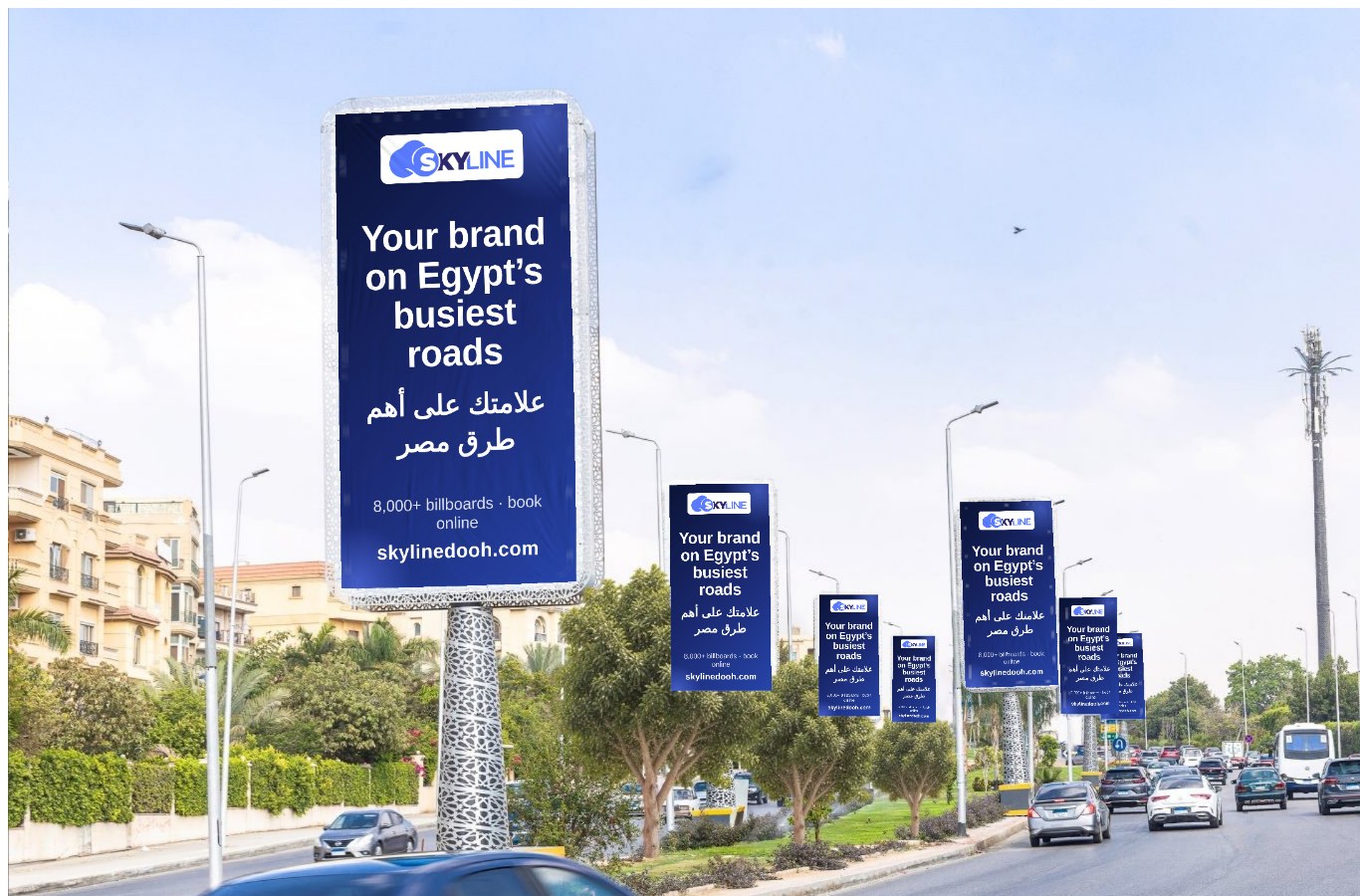
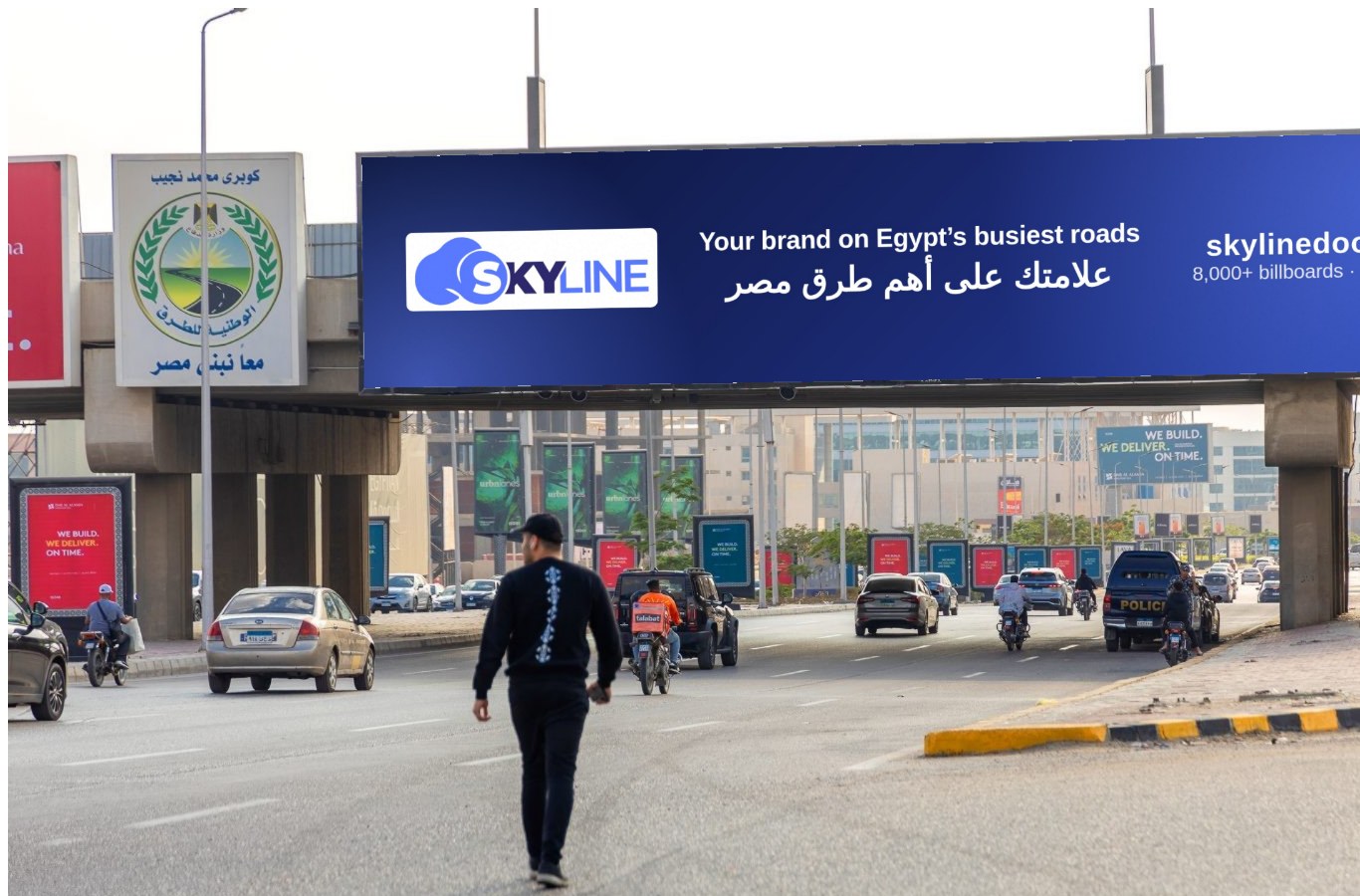
Upload your artwork once and see it placed on seven real scenes: a uni-pole, light boxes, a bridge banner, a double-decker, a flag, a mega post and a mobile truck. With the board’s perspective, the vinyl’s creases and its light, in seconds, in your browser.
What it looks like
The seven scenes
Each scene takes artwork of one aspect ratio, shown next to it. Artwork of another shape is cropped inside the tool.
- Uni-pole on the Ring Road (16:9)
- A row of light boxes in New Cairo (1:2)
- Bridge banner over a main road (5:1)
- Double-decker billboard (2:1)
- Lamp-post flag (2:5)
- Mega post at a highway junction (3:1)
- Mobile billboard truck (3:2)
How it works
- Upload your artwork, or try the ready example.
- Apply it to every billboard with one click, or upload a different piece per scene.
- Watch the full rotation and download any frame at 2560×1440.
- Save the preview to a link for your team, then go to the map to book the boards.
Questions
What size should my artwork be?
Each scene asks for one aspect ratio: 16:9 for the uni-pole, 1:2 for the light boxes, 5:1 for the bridge banner, 2:1 for the double-decker, 2:5 for the flag, 3:1 for the mega post and 3:2 for the truck. Any PNG, JPG or WebP works; if yours is another shape, the tool lets you crop it in place.
Is it free? Do I need an account?
Yes, and no. Previewing and downloading any single frame needs no account. We ask for your email only if you want the whole preview saved to a share link or downloaded as one set.
Where do my images go?
The artwork is placed on the billboards inside your browser. Nothing leaves your device unless you choose to save and share the preview.
Are these real billboards I can book?
The scenes are photographs of real billboard formats on Egyptian roads, there to show how your campaign reads on each. Under every scene a link opens boards of that format on the map, where you can book.